 Afterhue
Afterhue support
Quick answers about reminders, location, photos, purchases and your data. Afterhue is still in development, so some steps describe the app as it is built. If your question is not here, use Contact support in the app's Settings, or App Support on the App Store page once the app is listed.
Coming soon to iPhone
Where do I start?
Most answers sit in three places. Settings, Alerts and reminders controls notifications. Settings, Data and privacy shows what is stored and lets you export or delete it. Settings, How the score works explains the Glow Score. The features overview covers the rest.
Frequently asked questions
How do I set a golden-hour reminder?
Open Settings, then Alerts and reminders, and turn on Golden-hour reminder. Pick 30 minutes before, 15 minutes before or at golden hour, and choose the days. It repeats on its own after that.
Why did I not get a notification?
Check that notifications are allowed for Afterhue in iOS Settings, and that the reminder is on in Alerts and reminders. Glow alerts need Pro and only fire when the score reaches your minimum band. The alerts screen shows the next scheduled notification.
Why is the score different from what I see in the sky?
The Glow Score is an estimate from a weather model and can miss smoke, dust, sea fog and local terrain. Rate the evening with the How was it? buttons. After three ratings in an area the score adjusts toward your sky.
Do I have to allow location?
No. You can choose a city instead. If you allow location, Afterhue asks only while you use the app and reads one approximate position, rounded to about 1 km.
How do I add sunsets I already photographed?
Open Settings, then Add past sunsets, and choose up to 30 photos per round. Afterhue reads each photo's date and colors on the phone and makes a chip for each. You can run as many rounds as you like.
How do I restore a purchase?
Open Settings and tap Restore purchases, or tap Restore purchases on the paywall. It checks the Apple Account you are signed in with.
How do I cancel a subscription?
Subscriptions are managed by Apple. Go to iOS Settings, then your Apple Account, then Subscriptions, and choose Afterhue. Canceling at least 24 hours before the period ends stops the next renewal.
How do I delete my data?
Open Settings, then Data and privacy, and tap Delete everything. That removes every chip, photo, rating, place and setting from the app. You can first tap Export my data to save a JSON file. Purchases stay with your Apple Account.
How do I change the language?
Afterhue supports English and Russian. Settings, Language opens the iOS settings page for Afterhue, where you pick the language.
How do I contact support?
Use Contact support in Settings. After the app is on the App Store, the listing also has an App Support link.
Keep exploring
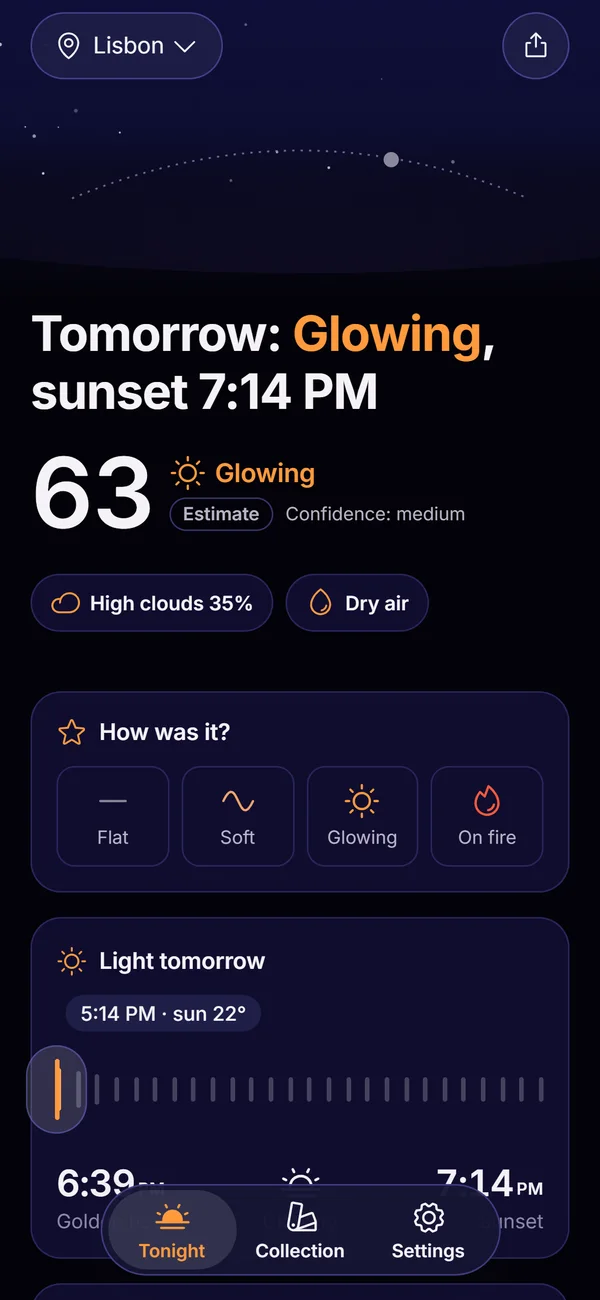 Afterhue FeaturesThe six parts of Afterhue, from the Glow Score to the Sky Strip.Afterhue Privacy PolicyNo accounts, no analytics. Rounded coordinates go to Apple WeatherKit, purchases go through Apple and RevenueCat.Afterhue Terms of UseApple's standard EULA, forecasts as estimates, how Pro billing works.Golden Hour Alerts and Reminders for SunsetsA free daily golden-hour reminder, plus Pro alerts only for evenings above your threshold.
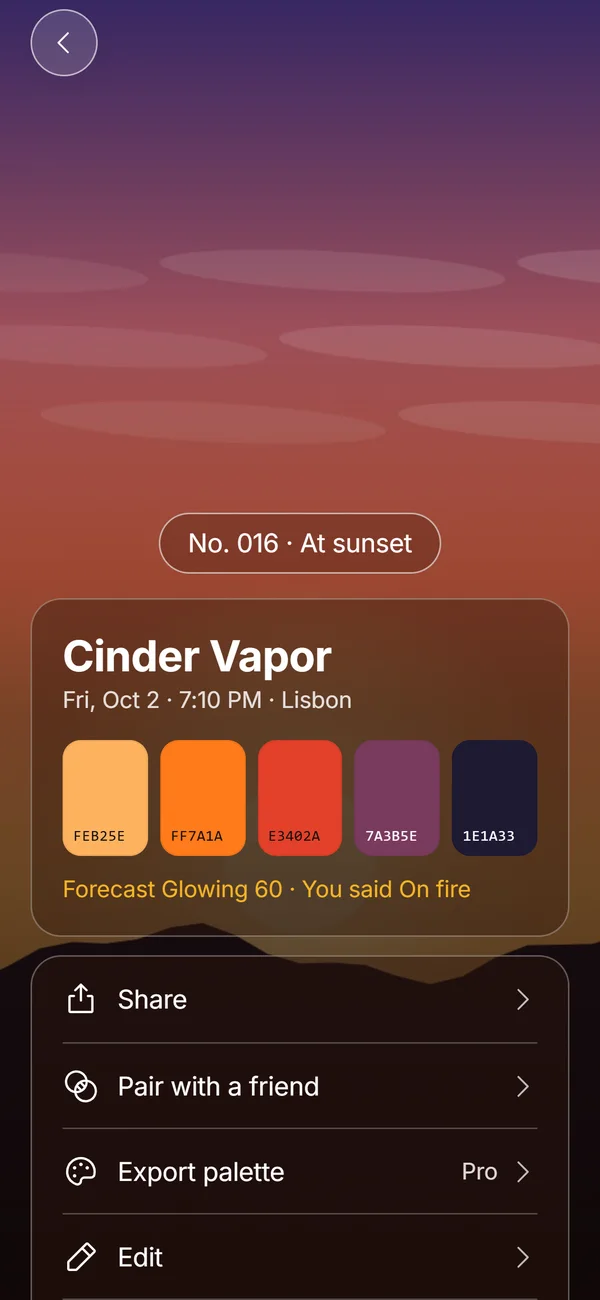 Hue ChipsFive colors, a name, a number and your rating from one sunset photo, made on the device.