 Afterhue
Every sunset becomes a color you keep
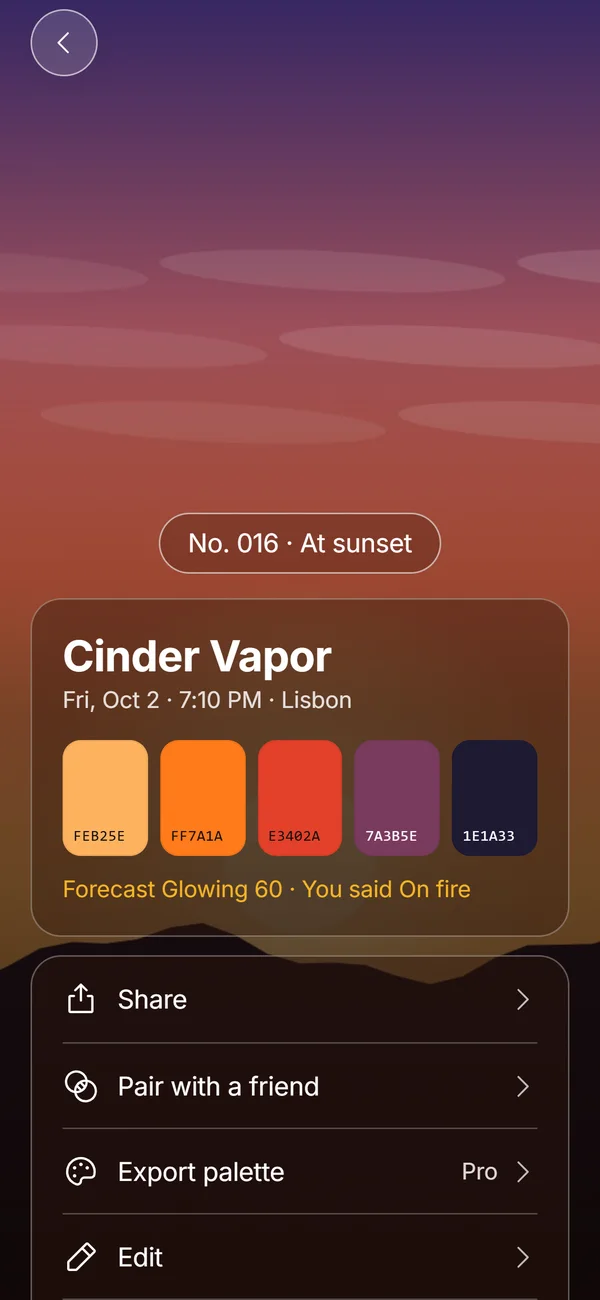
A Hue Chip is a numbered card made from one sunset photo. Afterhue extracts five colors on your iPhone, orders them from the top of the sky to the horizon, adds a name, the date, the place and your rating, and files it in your collection.
Coming soon to iPhone
What is on a Hue Chip?
Each chip holds five colors from the photo, shown as swatches with their hex codes, a generated name such as Cinder Vapor, the date, the time, the city, and a number that is personal to you, like No. 016. A badge says At sunset when the photo was taken within a window around sunset at that place, and Sky otherwise.
If you rated the evening, the chip also shows how the forecast compared: Forecast Glowing 60, You said On fire.
How do I make a chip?
Tap Catch it on the Tonight screen or the plus in Collection. You can take a photo, choose one from your library, or skip the photo and only rate the evening.
Afterhue reads the colors in a few moments, and you can adjust them before saving.
- Choose Take a photo or Choose from Photos.
- Wait while Afterhue reads the colors.
- Tap a swatch if you want to pick a different color from the photo.
- Use New name to shuffle the name, or Rename to type your own, up to 28 characters.
- Rate the evening and tap Save chip.

How are the five colors chosen?
The photo is shrunk on the device and its pixels are grouped into color clusters. Tiny clusters are dropped and near-identical ones are merged. Afterhue then picks five, favoring large and vivid areas, and keeps the darkest one if it covers enough of the frame, which is usually the horizon silhouette. The five are ordered by where they sit in the picture, top of the sky first, so the chip reads like the sky did.
Nothing is uploaded. The extraction runs entirely on your iPhone.
Can I add sunsets I already photographed?
Yes. Add past sunsets lets you pick up to 30 photos at a time, as many rounds as you like. Afterhue reads each photo's date and colors and turns each one into a numbered chip. Photos with no date can be assigned one by hand. Only the photos you choose are shared with the app, because the system photo picker never exposes the rest of your library.
What can I do with a chip?
Share it as a card, pair it with a friend's chip, edit it, or delete it. Pro adds palette export as a hex list, a CSV file, or a 1170 by 2532 gradient wallpaper. The month grid and the Sky Strip are built from your chips, and a shared chip carries only its palette, name, date, city and score in the link.
How are chips named and numbered?
Each name is two words: a color word and a texture word, such as Apricot Static, Cinder Vapor or Lilac Afterglow. The color word follows the palette's dominant hue and lightness, from lists such as Ember, Apricot, Honey, Lilac and Peach. The texture word comes from a curated list that includes Static, Glass, Velvet, Hour, Haze and Halo. The same palette always gets the same name until you shuffle it.
Numbers are personal. Your first chip is No. 001. The save screen also shows where the sunset falls in the year, for example Sunset 276 of 2026.
How do I fix a chip with the wrong colors?
Tap a swatch on the save screen and then tap anywhere on the photo to pick a different color from it. Reset colors puts the original five back. A tip on the source sheet suggests tapping the sky on screen and sliding the sun icon down a little before you shoot, so the camera exposes for the colors you see instead of washing them out.
Frequently asked questions
Does Afterhue upload my sunset photos?
No. Colors are read on the iPhone and photos stay inside the app. A shared chip link contains the palette and text details, not the photo.
Do I need to give access to my whole photo library?
No. Photos are chosen with the system picker, which gives the app only the photos you select. Saving a card to your library asks for add-only access at that moment.
What if the photo was not taken at sunset?
The chip is still saved and labeled Sky instead of At sunset.
Can I rename a chip?
Yes, up to 28 characters. You can also shuffle through generated names.
Is the chip limit free?
Chips are unlimited and free. Palette export is a Pro feature.
Keep exploring
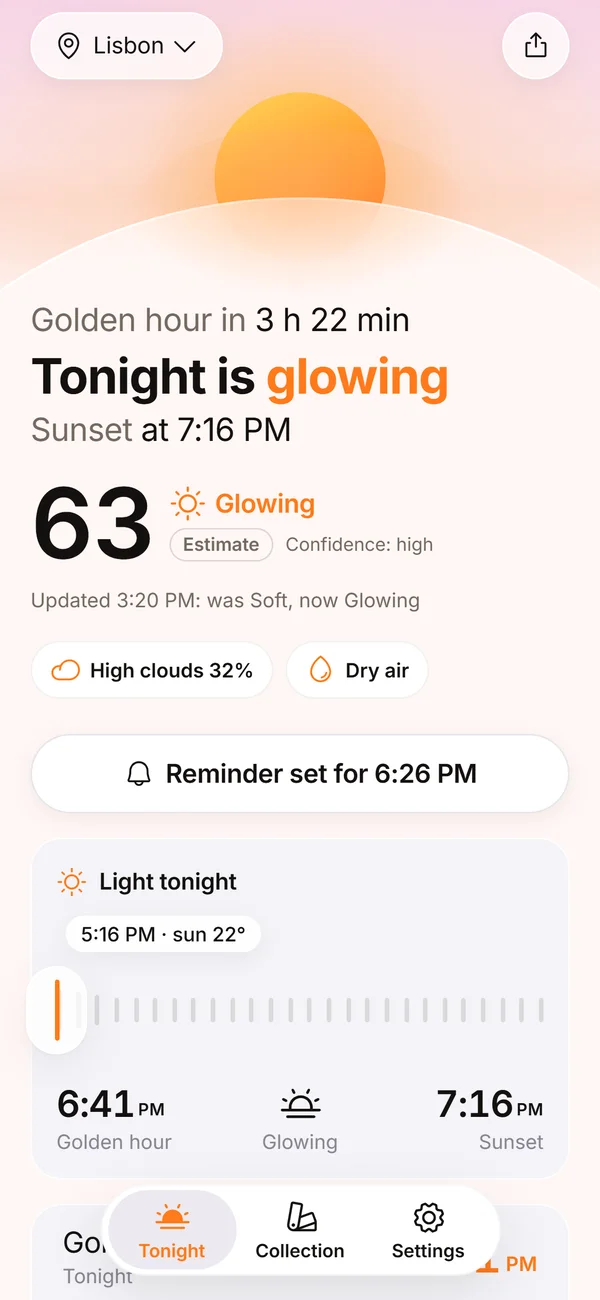 Sunset Glow Score0 to 100, four bands, up to three reasons, and a score that learns from your ratings.What Makes a Good Sunset? Clouds, Air and LightThe three ingredients of a colorful sunset, and the weather that ruins each one.
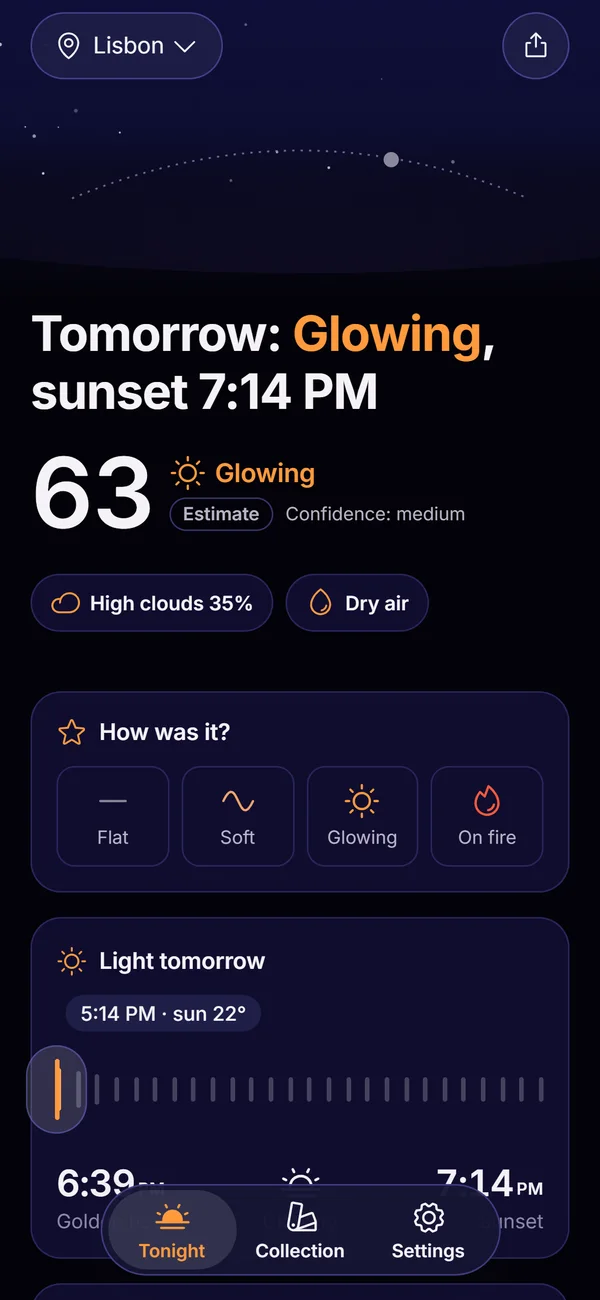 Afterhue FeaturesThe six parts of Afterhue, from the Glow Score to the Sky Strip.