 Afterhue
Your year, one stripe per day
The Sky Strip shows your year as 365 thin vertical stripes. A day with a chip takes the dominant color of that sunset, and a day without one stays blank. It fills slowly across the year, next to a month grid and a Sunset weeks count that clouds cannot break.
Coming soon to iPhone
What is the Sky Strip?
It is a single graphic of your year. Each day is one stripe. If you caught a sunset that day, the stripe takes the most vivid color from your chip. If you did not, it stays paper. Tap a stripe to open the chip behind it.
The Year screen also shows how many sunsets you saw, your most vivid one and your most common color. With Pro you can lay a previous year underneath to compare.
What does the month grid show?
The Collection tab opens on a calendar for the current month. Days with a chip show a swatch, days you rated without a photo are marked as seen, and empty days invite you to add a photo. Afterhue can also offer a recap card with the month's sunsets on one grid, ready to share.
What are Sunset weeks?
Sunset weeks count how many weeks in a row you caught at least one sunset. A week where the evenings were all Flat, with a score under 25 an hour before sunset, is skipped instead of counted against you. There is no daily streak and no penalty for a cloudy stretch.
The count appears in Collection as, for example, 4 sunset weeks in a row.
Can I fill the strip with old photos?
Yes. Add past sunsets reads the date of each photo, so a summer you already photographed lands on the right days. The first time you open the Sky Strip it can already have stripes in it.
Can I share my year?
Tap Share my year to make a card with the strip, the count of sunsets and the Afterhue name. Share cards come in a 9:16 story format and a square. Paper style is free. Night and Photo styles are Pro. Every card carries the Afterhue name, a link and a QR code.
What is on the Year screen?
Above the strip you see a line of facts: the number of sunsets, your most vivid one, and your most common color. Under it sit two buttons: Compare, which is Pro, and Share my year. Tap a stripe to open its chip. Days you rated without a photo appear as a neutral grey stripe, so an evening you watched without photographing it still leaves a mark.
Which places did I catch the most sunsets in?
The Places row in Collection lists each place that has a chip, with the number of sunsets and your best one, such as Lisbon, 12 sunsets, best Glowing. Places are stored as city names only, so this view never holds coordinates. It appears after your first chip.
Where do chips from friends go?
When a friend sends you a chip link, you can keep it under Friends' skies in Collection. The row shows their name if they signed it, the city and the date. These saved chips stay on your phone and you can remove them at any time.
What if I miss a month?
Nothing breaks. Empty days simply stay empty, and there is no streak to lose. If you later find old photos, add them through Add past sunsets and the stripes fill in behind you. The Sky Strip is meant to look like your actual year, gaps and all, which is part of why people share it.
Frequently asked questions
Does the Sky Strip need the internet?
No. It is built from chips stored on your iPhone.
Does a cloudy week break my Sunset weeks?
No. Weeks where every evening scored Flat an hour before sunset are skipped automatically.
Can I compare years?
Yes, year compare is part of Pro.
Can I delete everything?
Yes. Settings, Data and privacy, Delete everything removes every chip, photo, rating, place and setting from the app.
Keep exploring
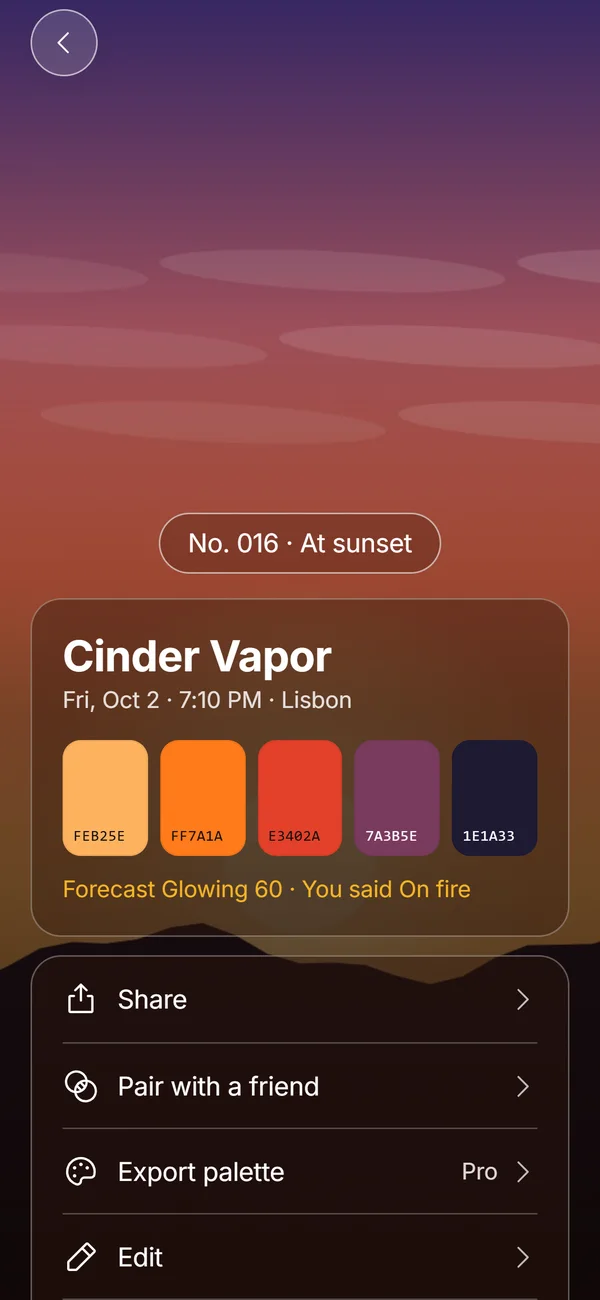 Hue ChipsFive colors, a name, a number and your rating from one sunset photo, made on the device.Sky Call and Same SkyLook west cards and paired chips shared by link, with no account or feed.
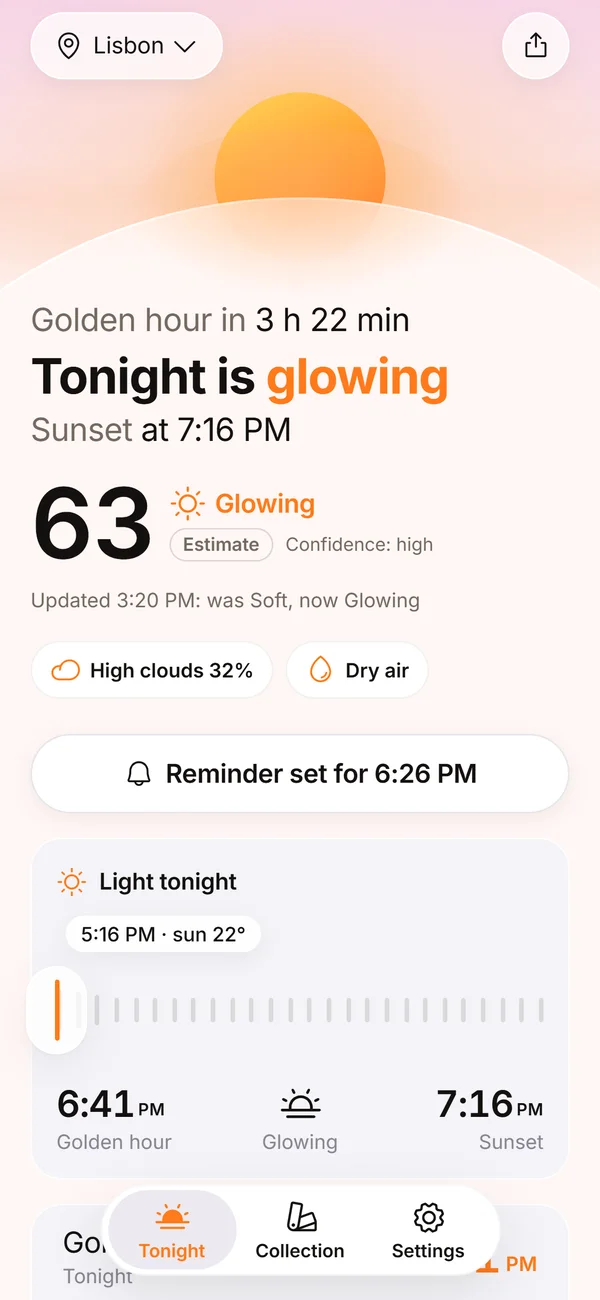 Sunset Glow Score0 to 100, four bands, up to three reasons, and a score that learns from your ratings.Afterhue Privacy PolicyNo accounts, no analytics. Rounded coordinates go to Apple WeatherKit, purchases go through Apple and RevenueCat.
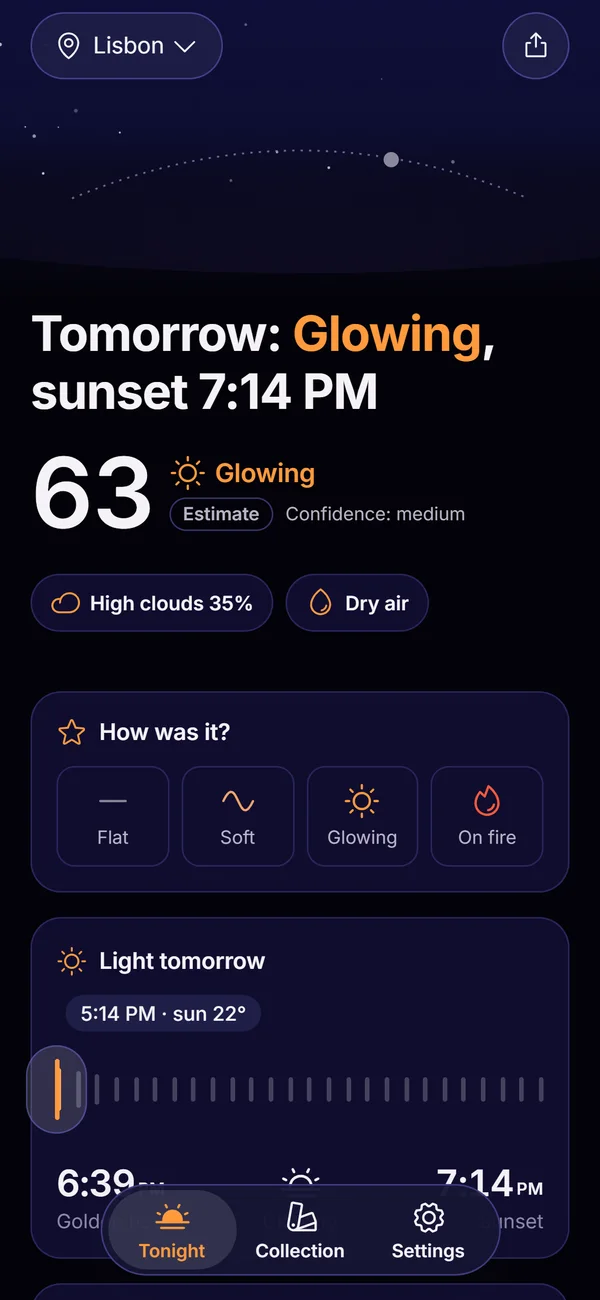 Afterhue FeaturesThe six parts of Afterhue, from the Glow Score to the Sky Strip.