 Afterhue
Golden-hour reminders that repeat on their own
Afterhue sends a golden-hour reminder before the light turns gold, free, and repeats it every day or on the days you pick. Pro adds Glow alerts that stay quiet until the sunset score reaches the level you set, so a notification means the evening is worth it.
Coming soon to iPhone
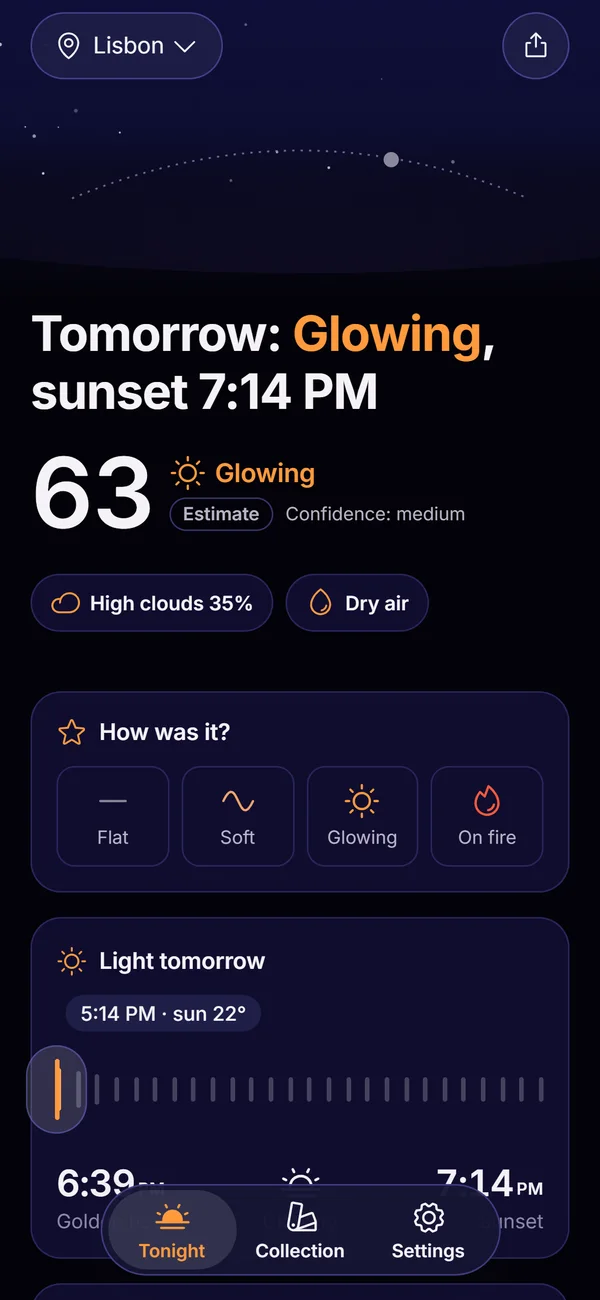
How does the golden-hour reminder work?
You choose when to be told: at golden hour, 15 minutes before, or 30 minutes before. You also choose the days: every day, weekdays, weekends, or a custom set. Afterhue schedules local notifications on your iPhone from the sun times it computes, so the reminder keeps following the sunset as the seasons shift.
The reminder is free. You do not have to set it again each day.
- Open Settings, then Alerts and reminders.
- Turn on Golden-hour reminder.
- Pick the lead time and the days.
- The screen shows the next scheduled alert and when it fires.
What is golden hour in Afterhue?
In the app, golden hour is the stretch when the sun is between 6 degrees above the horizon and 4 degrees below it. Blue hour follows, from 4 to 6 degrees below. Sunset is the moment the sun's upper edge crosses the horizon, with the sun's center about 0.8 degrees below it. These are calculated on the device with standard solar-position formulas, so they work without a connection.
Photographers use the term loosely, and the length changes with latitude and season. Our explainer on golden hour covers the details.
What are Glow alerts?
A Glow alert is a notification that only fires when tonight's score is at or above the band you choose. You pick how early it arrives: 2 hours, 1 hour or 45 minutes before sunset. Glow alerts are a Pro feature, and the alert text carries the city, the score and the top reason, for example Lisbon: 68, high clouds 40%.
- Choose the minimum band.
- Choose the lead time before sunset.
- Turn on alerts per saved place with Pro places.
- Sunrise alerts work the same way and are also Pro.
What other notifications are there?
Two optional ones. A How was it? prompt arrives 30 minutes after sunset so you can rate the sky, which feeds the score calibration. A monthly card notice tells you when your month recap is ready. Both are off unless you turn them on.
What should I know about timing?
Alerts use the latest forecast your iPhone has fetched. iOS decides when background updates run, so opening Afterhue gives the freshest score. If notifications are off for the app in iOS settings, Afterhue shows a notice at the top of the alerts screen.
What does the notification say?
The reminder reads Golden hour in 15 min, with the line Light turns gold at 6:26 PM. Sunset 7:16 PM, using your own times. When the reminder is set to fire at golden hour itself, the title changes to Golden hour is starting. Tapping it opens the Tonight screen, so the score and the reasons are one tap away.
How is the reminder offered the first time?
During setup, after your first forecast, Afterhue asks Want a nudge at golden hour? and describes it as one quiet notification before the light turns gold. The three options are the same ones that live in Settings: 30 minutes before, 15 minutes before, or at golden hour. The screen shows what time that means tonight. Choosing Not now skips it, and you can turn it on later.
Which place does the reminder follow?
Reminders are planned for the place selected on the Tonight screen. Sunset moves a minute or two each day and shifts with the seasons, so Afterhue recalculates the schedule from the device's own sun math rather than from a fixed clock time. Change the place, and the next reminder follows it.
Frequently asked questions
Is the golden-hour reminder free?
Yes. The time-based reminder is free and repeats on the days you choose.
What does Pro add to alerts?
Glow alerts that fire only when the score reaches your minimum band, with a lead time you choose, and sunrise alerts.
Do alerts need a server?
No. Notifications are scheduled locally on your iPhone. Afterhue uses no push server.
Why did my alert show an older score?
Alerts use the most recent forecast the phone has fetched, and iOS controls background refresh. Open the app to refresh.
Can I get alerts for places other than my own?
Yes, with Pro you can save up to 10 places and turn on Glow alerts for each.
Keep exploring
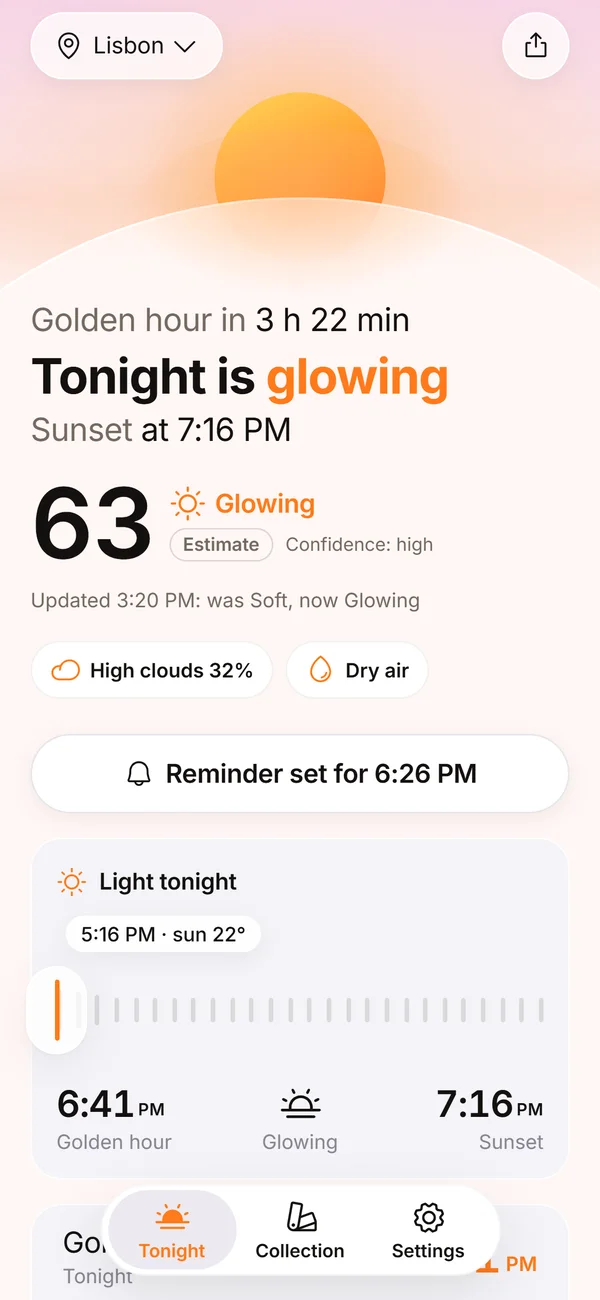 Sunset Glow Score0 to 100, four bands, up to three reasons, and a score that learns from your ratings.
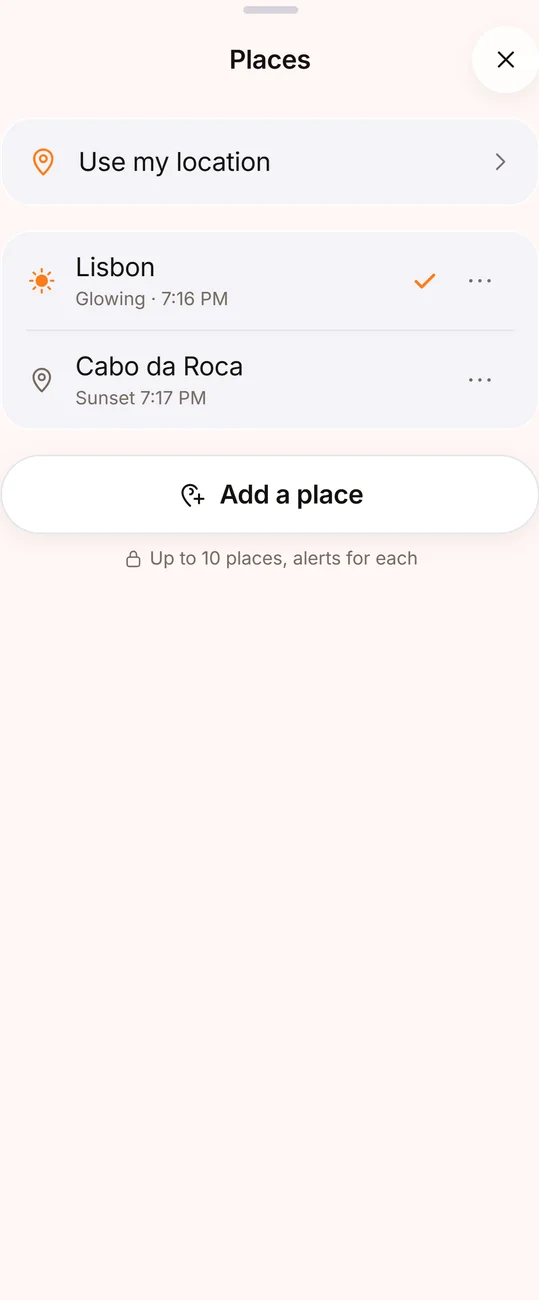 3-Day Sunset Outlook and Saved PlacesThree days of sunsets and sunrises as ranges, and up to 10 saved places with alerts.What Is Golden Hour? Times, Light and Blue HourWhat golden hour is, why the light looks gold, how long it lasts and how it differs from blue hour.Afterhue SupportHow-to answers for alerts, location, photos, purchases and your data.Afterhue FeaturesThe six parts of Afterhue, from the Glow Score to the Sky Strip.